
In today’s digital world, businesses need fast and measurable results—and this is exactly where Google Ads plays a powerful role. Whether you are a small business owner, freelancer, or marketer, Google Ads allows you to reach your target audience instantly and generate high-quality leads.
Google Ads is an online advertising platform developed by Google, where advertisers pay to display their ads on search engine results pages (SERPs), YouTube, and across millions of websites. It works on a pay-per-click (PPC) model, meaning you only pay when someone clicks on your ad.
Why Google Ads is Important in 2026
With increasing competition and changing algorithms, relying only on organic marketing is no longer enough. Google Ads helps businesses stay ahead by offering:
- Instant Visibility – Your ads appear at the top of search results
- Targeted Audience Reach – Show ads based on location, interests, and behavior
- Measurable Results – Track clicks, conversions, and ROI in real-time
- Scalability – Start small and scale campaigns as you grow
In 2026, Google Ads has become more advanced with AI-driven automation, smart bidding, and personalized targeting, making it easier to run profitable campaigns even for beginners.
Google Ads vs Organic Marketing
Many people wonder whether they should focus on SEO or paid ads. The answer depends on your goals.
- SEO (Search Engine Optimization) is a long-term strategy that takes time to rank
- Google Ads delivers immediate results and traffic
The best approach is to use both together—SEO for long-term growth and Google Ads for quick conversions.
How Google Ads Works (Overview)
Google Ads operates on an auction system where advertisers bid on keywords related to their business. When a user searches for a keyword, Google decides which ads to show based on:
- Bid amount
- Ad quality
- Relevance of keywords
- Landing page experience
This means that even with a smaller budget, you can outrank competitors if your ads are well optimized.
What You Will Learn in This Guide
In this complete Google Ads guide for 2026, you will learn:
- How to set up and run successful campaigns
- Keyword research and targeting strategies
- Writing high-converting ad copy
- Bidding and budget optimization
- Advanced strategies to maximize ROI
How Google Ads Works (Beginner Explanation)
Understanding how Google Ads works is essential before you start running campaigns. Once you understand the basics, it becomes much easier to create profitable ads and avoid wasting money.
Google Ads operates on a Pay-Per-Click (PPC) model, where advertisers pay only when someone clicks on their ad. This means you are paying for actual traffic, not just visibility.
What is PPC (Pay-Per-Click)?
-
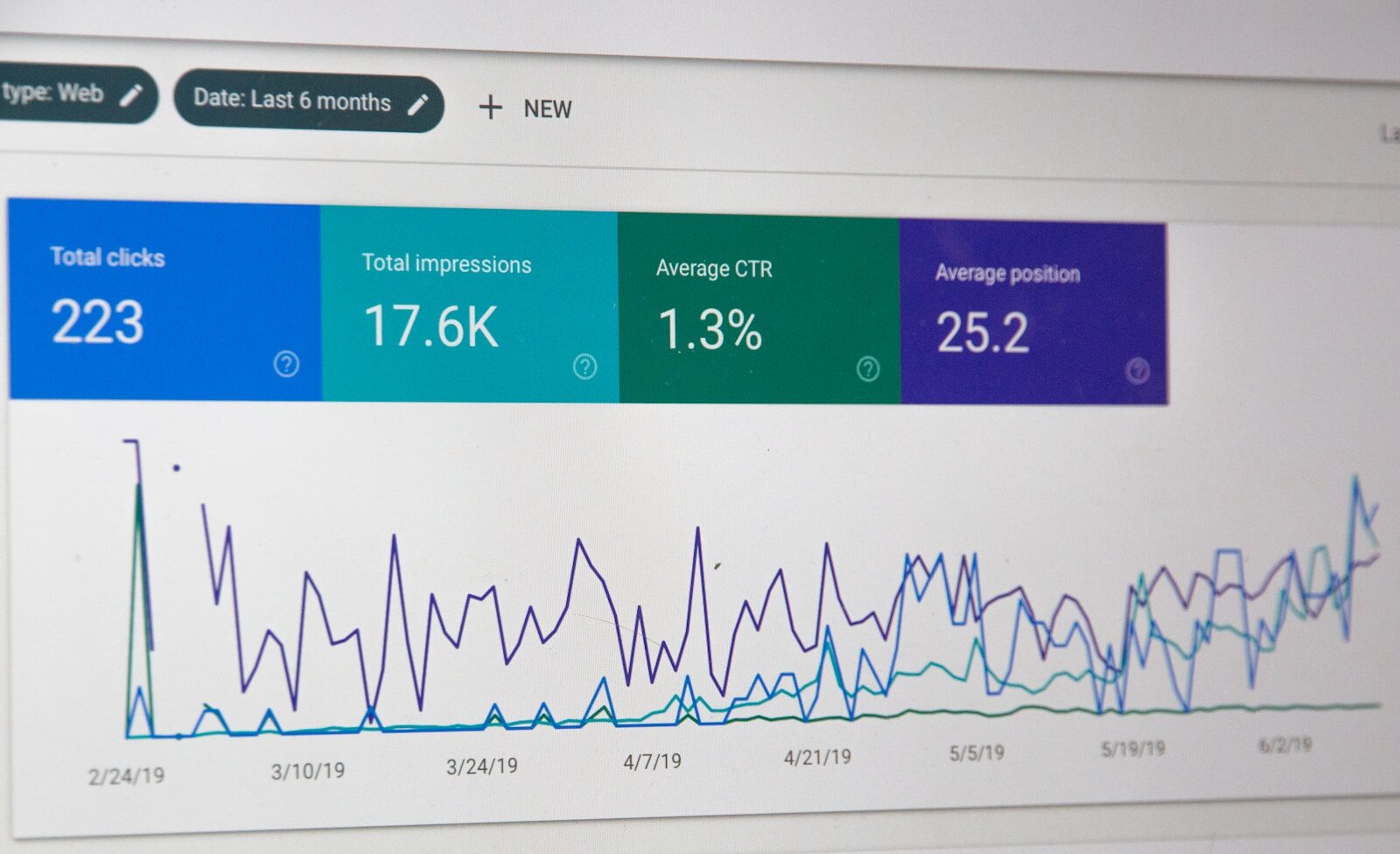 PPC is an advertising model where you bid on specific keywords, and your ads appear when users search for those keywords on Google.
For example:
If someone searches for “best digital marketing course”, ads related to that keyword will appear at the top of the search results.You only pay when a user clicks on your ad, not when it is just shown.
Understanding the Google Ads Auction System
Every time a user performs a search, Google runs an instant auction to decide which ads to display.
This auction is based on:
- Bid Amount – How much you’re willing to pay per click
- Quality Score – How relevant and useful your ad is
- Ad Rank – Your overall position in the ad results
Important: The highest bidder doesn’t always win. A better-quality ad can rank higher even with a lower bid.
What is Ad Rank?
Ad Rank determines your ad position on the search results page.
It is calculated based on:
- Your bid amount
- Quality Score
- Expected impact of ad extensions
A higher Ad Rank means better visibility and more chances of getting clicks.
What is Quality Score?
Quality Score is one of the most important factors in Google Ads. It is a rating (from 1 to 10) that measures the quality and relevance of your ads.
It depends on:
- Expected Click-Through Rate (CTR)
- Ad Relevance
- Landing Page Experience
A higher Quality Score helps you:
- Pay less per click
- Rank higher than competitors
- Improve overall campaign performance
Role of Keywords and Search Intent
Keywords are the foundation of Google Ads. They determine when your ad will appear.
There are three main keyword types:
- Broad Match – Reaches a wider audience
- Phrase Match – Targets more specific searches
- Exact Match – Shows ads for precise keywords
Understanding search intent is key:
- Informational (learning something)
- Navigational (searching for a brand)
- Transactional (ready to buy)
For best results, focus on high-intent (buying) keywords.
Simple Example of How It Works
- A user searches for a keyword
- Google runs an ad auction
- Ads are ranked based on bid + quality
- Top ads appear on search results
- User clicks → You pay
Types of Google Ads Campaigns
-
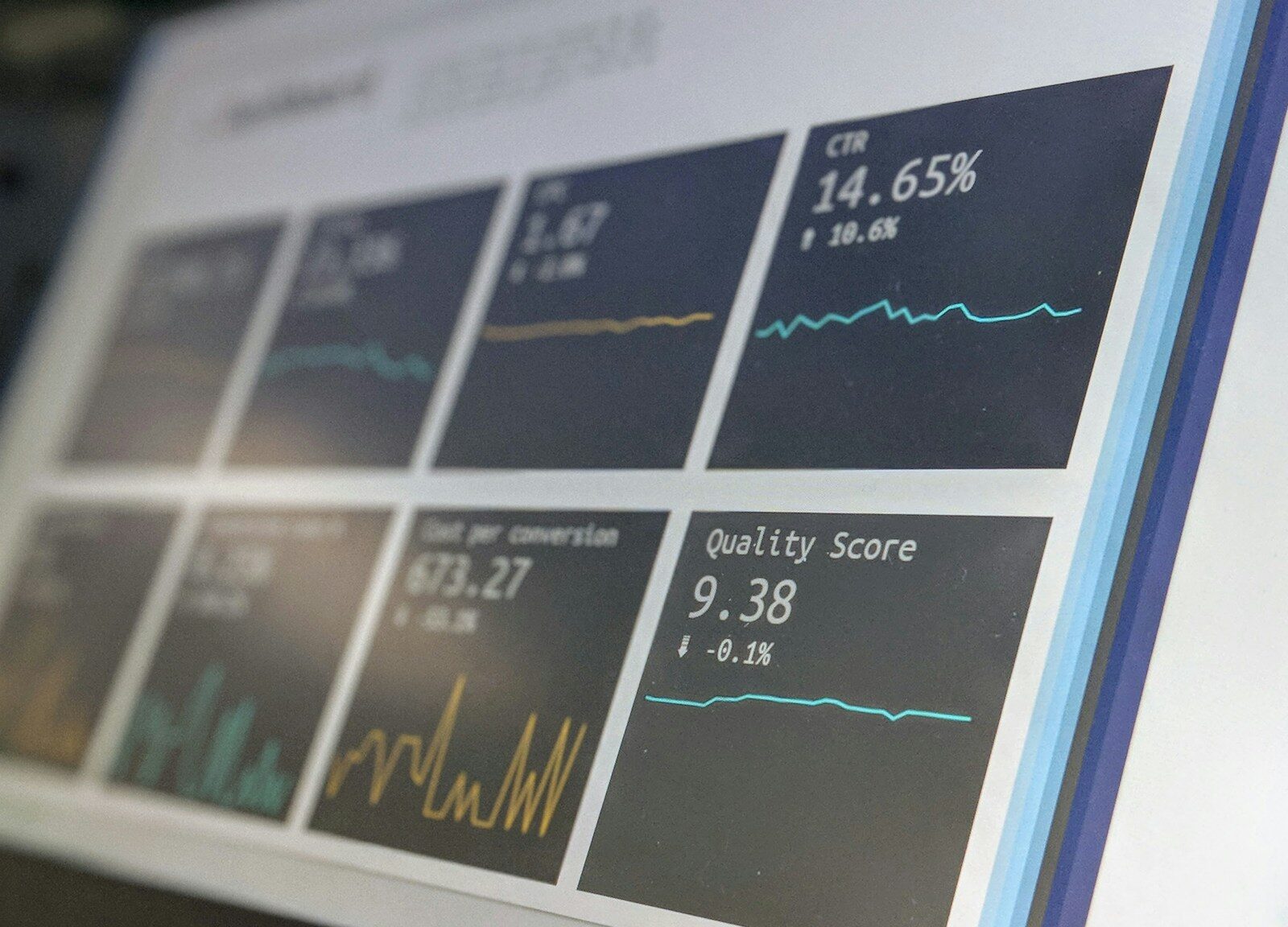
To run successful campaigns, it’s important to understand the different types of Google Ads available. Each campaign type serves a different purpose and helps you achieve specific marketing goals.
Choosing the right campaign type can directly impact your traffic, leads, and sales performance.
1. Search Ads
Search Ads are the most common type of Google Ads. These ads appear on the search results page when users search for specific keywords on Google.
Best for:
- Lead generation
- High-intent customers
- Service-based businesses
Example:
If someone searches “best digital marketing agency”, your ad can appear at the top.✔ High conversion rate
✔ Targets users ready to take action
2. Display Ads
Display Ads are visual banner ads that appear on websites, apps, and blogs within Google’s Display Network.
Best for:
- Brand awareness
- Retargeting
- Reaching a large audience
✔ Eye-catching visuals
✔ Lower cost per click
✔ Great for remarketing campaigns
3. Video Ads (YouTube Ads)
Video Ads appear on YouTube and other video platforms. These ads can be skippable or non-skippable and are highly engaging.
Best for:
- Brand storytelling
- Product promotion
- Audience engagement
✔ High engagement rate
✔ Ideal for visual content
✔ Strong brand recall
4. Shopping Ads
Shopping Ads are mainly used by eCommerce businesses. These ads display product images, prices, and store names directly on the search results page.
Best for:
- Online stores
- Product-based businesses
✔ High purchase intent
✔ Direct product visibility
✔ Better conversion rates
5. Performance Max Campaigns (2026 Trend)
Performance Max is an advanced campaign type that uses AI to run ads across all Google platforms, including Search, Display, YouTube, Gmail, and Discover.
Best for:
- Automated campaigns
- Scaling performance
- Multi-channel advertising
✔ AI-driven optimization
✔ Saves time and effort
✔ Maximizes conversions
Which Campaign Type Should You Choose?
- Beginners → Start with Search Ads
- Brand Awareness → Use Display or Video Ads
- eCommerce → Focus on Shopping Ads
- Advanced Users → Try Performance Max Campaigns
The best strategy is to combine multiple campaign types for maximum results.
Step-by-Step Google Ads Campaign Setup (2026 Guide)
Setting up a Google Ads campaign might seem complex at first, but if you follow the right steps, you can launch your first campaign easily and start generating results quickly.
Let’s break down the complete process step by step
Step 1: Create a Google Ads Account
To get started, you need to create an account on Google Ads.
- Sign in using your Google account
- Set your business details
- Choose your billing country and currency
Tip: Switch to Expert Mode to get full control over your campaigns.
Step 2: Choose Your Campaign Goal
Google Ads will ask you to select a campaign objective. Choose based on your business needs:
- Sales – For eCommerce or product selling
- Leads – For generating inquiries or sign-ups
- Website Traffic – To increase visitors
- Brand Awareness – To reach more people
Selecting the right goal helps Google optimize your campaign effectively.
Step 3: Select Campaign Type
Now choose the campaign type based on your strategy:
- Search Campaign
- Display Campaign
- Video Campaign
- Shopping Campaign
- Performance Max
Beginners should start with Search Campaigns for better control and results.
Step 4: Set Budget and Bidding
- Set your daily budget (e.g., ₹300–₹500 for beginners)
- Choose a bidding strategy:
- Maximize Clicks (for traffic)
- Maximize Conversions (for leads/sales)
Start small, then increase budget based on performance.
Step 5: Target Audience & Location
Define who should see your ads:
- Location (city, country, or specific area)
- Language
- Audience interests (optional)
Targeting the right audience helps reduce wasted spend.
Step 6: Add Keywords
Keywords are crucial for your campaign success.
- Use relevant keywords related to your business
- Focus on high-intent keywords
- Add negative keywords to avoid irrelevant clicks
Example:
If you sell courses, avoid keywords like “free course”.
Step 7: Write High-Converting Ads
Create compelling ad copy that attracts clicks:
- Add strong headlines
- Include your primary keyword
- Highlight benefits
- Use clear CTA (Call-to-Action)
Example CTA:
- “Enroll Now”
- “Get Free Consultation”
- “Book Today”
Step 8: Add Ad Extensions
Ad extensions improve your ad visibility and performance:
- Sitelink extensions
- Call extensions
- Location extensions
- Callout extensions
These increase your click-through rate (CTR) and make ads more informative.
Step 9: Set Up Landing Page
Your landing page should:
- Match your ad message
- Load fast
- Be mobile-friendly
- Have a clear CTA
A good landing page = higher conversions + better Quality Score.
Step 10: Launch & Monitor Campaign
Once everything is set:
- Review your campaign
- Publish it
- Monitor performance daily
Track key metrics like:
- Clicks
- CTR
- Conversions
- Cost per conversion
Keyword Research for Google Ads
Keyword research is the backbone of any successful Google Ads campaign. Choosing the right keywords ensures your ads reach the right audience at the right time, which directly impacts your conversions and ROI.
If you target the wrong keywords, you may waste money without getting results. That’s why keyword research is one of the most important steps in Google Ads.
Why Keyword Research is Important
Keywords determine when and where your ads appear on Google.
✔ Helps you target the right audience
✔ Increases ad relevance
✔ Improves Quality Score
✔ Reduces cost per click (CPC)
✔ Boosts conversions
Understanding Search Intent
Before selecting keywords, you must understand user intent. This helps you target users who are more likely to take action.
- Informational Intent – Users want to learn (e.g., “what is Google Ads”)
- Navigational Intent – Users search for a specific brand
- Transactional Intent – Users are ready to buy or take action
Focus more on transactional keywords for better results.
Types of Keywords in Google Ads
Google Ads offers different keyword match types:
1. Broad Match
- Reaches a wide audience
- Ads may show for related searches
- Higher traffic but less control
2. Phrase Match
- Ads appear for searches that include your keyword phrase
- Balanced targeting
3. Exact Match
- Ads show only for exact or close variations
- High relevance and better conversions
Beginners should start with Phrase + Exact Match for better control.
What are Negative Keywords?
Negative keywords prevent your ads from showing on irrelevant searches.
Example:
If you sell paid courses, add:- “free”
- “cheap”
✔ Saves budget
✔ Improves targeting
✔ Increases ROI
How to Find the Best Keywords
Here are some effective methods:
- Use Google Keyword Planner
- Analyze competitor keywords
- Use Google search suggestions
- Check “People also search for”
- Use SEO tools like Ubersuggest, SEMrush
Always choose keywords with:
- High intent
- Good search volume
- Moderate competition
Long-Tail Keywords Strategy
Long-tail keywords are longer and more specific phrases.
Example:
Instead of: Google Ads
Use: Google Ads course for beginners in India✔ Lower competition
✔ Lower CPC
✔ Higher conversion rate
Keyword Grouping Strategy
Don’t put all keywords in one ad group.
Instead:
- Group similar keywords together
- Create separate ad groups
- Write targeted ads for each group
✔ Improves relevance
✔ Boosts Quality Score
✔ Better performanceWriting High-Converting Google Ads Copy
Your ad copy is the first thing users see, and it plays a major role in whether they click on your ad or ignore it. Even with the best keywords, poor ad copy can lead to low performance.
To run profitable campaigns on Google Ads, you need to create clear, engaging, and conversion-focused ads.
Why Ad Copy Matters
A strong ad copy helps you:
✔ Increase Click-Through Rate (CTR)
✔ Improve Quality Score
✔ Reduce cost per click (CPC)
✔ Boost conversionsGood copy = More clicks + Better results
Key Elements of a High-Converting Ad
1. Attention-Grabbing Headlines
Your headline is the most important part of your ad.
- Include your primary keyword
- Highlight a benefit or solution
- Use numbers or power words
Examples:
- “Learn Google Ads in 7 Days”
- “Best Digital Marketing Course 2026”
- “Get 100+ Leads with Google Ads”
2. Clear and Persuasive Description
Your description should explain why users should choose you.
- Focus on benefits, not just features
- Address user problems
- Keep it simple and direct
Example:
“Boost your business with expert Google Ads strategies. Start generating leads today.”
3. Strong Call-to-Action (CTA)
Always tell users what to do next:
- “Sign Up Now”
- “Book Free Consultation”
- “Get Started Today”
- “Enroll Now”
A clear CTA increases conversion chances.
Use of Power Words
Power words create urgency and attract attention:
- Free
- Limited Offer
- Proven
- Best
- Guaranteed
- Instant
Example:
“Get Instant Leads with Proven Google Ads Strategy”
Ad Copy Best Practices
- Match your ad with the user’s search intent
- Include keywords naturally
- Use emotional triggers
- Highlight USP (Unique Selling Proposition)
- Keep it short and clear
A/B Testing Your Ads
Never rely on a single ad.
Create multiple variations:
- Different headlines
- Different CTAs
- Different descriptions
✔ Helps you find what works best
✔ Improves performance over time
Common Mistakes to Avoid
- Writing generic ads
- No clear CTA
- Ignoring keywords
- Overpromising or misleading content
- Not testing variations
Google Ads Bidding Strategies (2026)
Choosing the right bidding strategy is crucial for running profitable campaigns on Google Ads. Your bidding strategy determines how you pay for clicks, conversions, or impressions—and directly impacts your ROI.
In 2026, Google Ads has become smarter with AI-driven bidding, helping advertisers optimize campaigns automatically.
What is a Bidding Strategy?
A bidding strategy is the method you use to decide how much you’re willing to pay for a user’s action, such as:
- Clicks
- Conversions
- Impressions
The right strategy helps you maximize results while controlling costs.
Types of Google Ads Bidding Strategies
1. Manual CPC (Cost-Per-Click)
You manually set the maximum amount you’re willing to pay per click.
Best for: Beginners who want full control
✔ Full control over bids
✔ Easy to understand
❌ Time-consuming
2. Maximize Clicks
Google automatically sets bids to get the most clicks within your budget.
Best for: Driving website traffic
✔ Simple setup
✔ Good for beginners
❌ May bring low-quality traffic
3. Maximize Conversions
Google uses AI to get the maximum number of conversions.
Best for: Lead generation & sales
✔ Focus on results
✔ Saves time
❌ Needs conversion tracking
4. Target CPA (Cost Per Acquisition)
You set the cost you’re willing to pay for each conversion.
Best for: Controlling cost per lead
✔ Predictable cost
✔ Good for scaling
❌ Requires past data
5. Target ROAS (Return on Ad Spend)
Google optimizes bids to maximize your return on investment.
Best for: eCommerce businesses
✔ Focus on revenue
✔ High profitability
❌ Needs strong data history
Which Bidding Strategy Should You Choose?
- Beginners → Start with Maximize Clicks or Manual CPC
- Intermediate Users → Move to Maximize Conversions
- Advanced Users → Use Target CPA or Target ROAS
Always upgrade your strategy as your data improves.
Smart Bidding (AI in 2026)
Google’s Smart Bidding uses machine learning to optimize bids in real-time.
It considers factors like:
- Device
- Location
- Time of day
- User behavior
✔ Improves performance
✔ Saves time
✔ Increases conversions
Google Ads Optimization Techniques
Running ads is just the beginning—real success in Google Ads comes from continuous optimization. Without proper optimization, you may spend money without getting the desired results.
Optimization helps you improve performance, reduce costs, and increase conversions over time.
Why Optimization is Important
✔ Improves ad performance
✔ Reduces cost per click (CPC)
✔ Increases conversion rate
✔ Maximizes ROISmall improvements can lead to big results.
1. Improve Quality Score
Quality Score plays a major role in your campaign success.
To improve it:
- Use relevant keywords
- Write targeted ad copy
- Improve landing page experience
- Increase CTR
✔ Higher Quality Score = Lower costs + Better ranking
2. Optimize Click-Through Rate (CTR)
CTR shows how many people click your ad after seeing it.
To improve CTR:
- Write compelling headlines
- Use strong CTAs
- Add ad extensions
- Match keywords with ad copy
Higher CTR signals Google that your ad is useful.
3. Landing Page Optimization
Your landing page should be aligned with your ad.
Make sure it:
- Loads fast
- Is mobile-friendly
- Has a clear CTA
- Matches user intent
A poor landing page can waste your ad budget.
4. Use Negative Keywords
Negative keywords prevent irrelevant clicks.
✔ Saves money
✔ Improves targeting
✔ Increases conversion rateRegularly update your negative keyword list.
5. Optimize for Conversions
Focus on actions, not just clicks.
- Set up conversion tracking
- Analyze which ads convert best
- Pause low-performing ads
- Scale high-performing campaigns
6. A/B Testing (Split Testing)
Always test different variations:
- Headlines
- Descriptions
- CTAs
- Landing pages
✔ Helps you find what works best
✔ Improves performance over time
7. Device & Location Optimization
Analyze performance based on:
- Devices (mobile vs desktop)
- Locations (cities, regions)
Increase budget where results are better.
8. Reduce Cost Per Click (CPC)
To lower CPC:
- Improve Quality Score
- Use long-tail keywords
- Refine targeting
- Avoid competitive irrelevant keywords
Budget Planning & Cost Management
Managing your budget effectively is crucial for running profitable campaigns on Google Ads. Without proper planning, you can quickly overspend without achieving meaningful results.
A smart budget strategy helps you maximize ROI while keeping costs under control.
Why Budget Planning is Important
✔ Prevents overspending
✔ Helps achieve better ROI
✔ Allows better campaign control
✔ Supports long-term growthEven a small budget can deliver great results with the right strategy.
How Much Should You Spend on Google Ads?
There is no fixed amount—you can start small and scale gradually.
Recommended starting budget:
- Beginners: ₹300–₹500 per day
- Intermediate: ₹500–₹2000 per day
- Advanced: Based on ROI and goals
Start with a test budget, then increase once you see results.
Daily vs Monthly Budget
- Daily Budget → Controls how much you spend per day
- Monthly Budget → Total ad spend over a month
Formula:
Monthly Budget = Daily Budget × 30✔ Helps you plan expenses better
✔ Avoids sudden overspending
Understanding ROI (Return on Investment)
ROI helps you measure your campaign success.
Example:
- Spend: ₹1000
- Revenue: ₹3000
- Profit: ₹2000
✔ Positive ROI = Profitable campaign
Always track ROI before scaling campaigns.
How to Allocate Your Budget
Divide your budget wisely:
- 60% → High-performing campaigns
- 30% → Testing new strategies
- 10% → Experimentation
✔ Ensures growth + learning
Tips to Reduce Wasted Spend
- Use negative keywords
- Target the right audience
- Pause low-performing ads
- Avoid broad targeting
- Optimize regularly
Every rupee saved = more profit.
Scaling Your Budget
Once you find a profitable campaign:
- Increase budget gradually (10–20%)
- Avoid sudden large increases
- Monitor performance after scaling
✔ Helps maintain stability and performance
Common Budget Mistakes to Avoid
- Spending too much too early
- Not tracking conversions
- Ignoring ROI
- Running ads without strategy
- Not optimizing campaigns
Common Google Ads Mistakes to Avoid
Running ads on Google Ads can deliver great results—but only if you avoid common mistakes. Many beginners lose money not because Google Ads doesn’t work, but because of poor strategy and execution.
Understanding these mistakes will help you save budget, improve performance, and get better ROI.
1. Targeting the Wrong Keywords
Choosing irrelevant or low-intent keywords can waste your budget.
❌ Example: Targeting “free marketing tools” when you’re selling a paid service
✔ Solution:
- Focus on high-intent keywords
- Use keyword research tools
- Match keywords with user intent
2. Ignoring Negative Keywords
Not using negative keywords leads to irrelevant clicks.
❌ Result: Wasted money on non-converting traffic
✔ Solution:
- Add negative keywords regularly
- Review search term reports
- Filter out irrelevant searches
3. Writing Weak Ad Copy
Generic or unclear ads fail to attract clicks.
❌ No CTA, no benefits, no clarity
✔ Solution:
- Use strong headlines
- Add clear CTA
- Highlight benefits
- Include keywords
4. Poor Landing Page Experience
Sending users to a slow or irrelevant landing page reduces conversions.
❌ Mismatch between ad and landing page
✔ Solution:
- Ensure fast loading speed
- Keep it mobile-friendly
- Add clear CTA
- Match user intent
5. Not Setting Up Conversion Tracking
Without tracking, you won’t know what’s working.
❌ You’re flying blind
✔ Solution:
- Set up conversion tracking
- Track leads, sales, and actions
- Use data to optimize campaigns
6. Using Only One Ad Variation
Running a single ad limits your performance.
✔ Solution:
- Create multiple ad variations
- Test headlines, descriptions, and CTAs
- Optimize based on results
7. Poor Budget Management
Spending too much too quickly or not allocating budget properly.
✔ Solution:
- Start with a small budget
- Scale gradually
- Focus on high-performing campaigns
8. Not Optimizing Campaigns Regularly
Launching ads and leaving them untouched is a big mistake.
✔ Solution:
- Monitor campaigns regularly
- Pause low-performing ads
- Optimize keywords and bids
9. Ignoring Mobile Users
Most users browse on mobile devices.
✔ Solution:
- Optimize ads for mobile
- Use mobile-friendly landing pages
- Track mobile performance
10. Expecting Instant Results Without Testing
Google Ads requires testing and optimization.
✔ Solution:
- Be patient
- Test different strategies
- Learn from data
Advanced Google Ads Strategies (2026)
Once you understand the basics of Google Ads, it’s time to move to advanced strategies that can significantly improve your performance and maximize your ROI.
In 2026, Google Ads is heavily driven by AI, automation, and audience behavior, making advanced strategies more powerful than ever.
1. AI & Automation in Google Ads
Google Ads now uses machine learning to optimize campaigns automatically.
✔ Smart bidding strategies
✔ Automated targeting
✔ Real-time optimizationThis helps you:
- Save time
- Improve performance
- Increase conversions
2. Performance Max Campaigns
Performance Max campaigns allow you to run ads across all Google platforms from a single campaign.
- Search
- Display
- YouTube
- Gmail
- Discover
✔ Uses AI to find best-performing audiences
✔ Maximizes conversions
✔ Ideal for scaling campaigns
3. Audience Targeting & Segmentation
Instead of only targeting keywords, focus on audience targeting:
- Custom audiences
- In-market audiences
- Affinity audiences
- Remarketing audiences
This helps you reach users based on their behavior and interests.
4. Remarketing Strategy
Remarketing targets users who have already interacted with your website or ads.
✔ Higher conversion rate
✔ Better ROI
✔ Builds brand recallExample:
Show ads to users who visited your website but didn’t convert.
5. Funnel-Based Advertising Strategy
Use a full marketing funnel approach:
- Top of Funnel (TOFU) → Awareness (Display/Video Ads)
- Middle of Funnel (MOFU) → Consideration (Search Ads)
- Bottom of Funnel (BOFU) → Conversion (Remarketing Ads)
✔ Improves customer journey
✔ Increases conversion rate
6. Use of First-Party Data
With increasing privacy restrictions, first-party data is becoming essential.
- Email lists
- Website visitors
- Customer data
Helps in better targeting and personalization.
7. Advanced Conversion Tracking
Track deeper user actions:
- Button clicks
- Form submissions
- Purchase behavior
✔ Provides better insights
✔ Helps optimize campaigns effectively
8. Competitor Analysis Strategy
Analyze what your competitors are doing:
- Keywords they target
- Ad copy they use
- Offers they promote
Use tools like SEMrush or SpyFu
✔ Helps you stay ahead in competition
Google Ads vs SEO (Which is Better?)
One of the most common questions in digital marketing is whether to choose Google Ads or SEO. Both strategies are powerful, but they work differently and serve different purposes.
Understanding the difference will help you choose the right strategy for your business goals.
What is Google Ads?
Google Ads is a paid advertising platform where you can instantly appear at the top of search results by bidding on keywords.
✔ Instant traffic
✔ Quick results
✔ Paid strategy
What is SEO?
SEO (Search Engine Optimization) is the process of optimizing your website to rank organically on Google without paying for clicks.
✔ Free traffic (organic)
✔ Long-term results
✔ Requires time and effort
Google Ads vs SEO: Key Differences
Factor Google Ads SEO Cost Paid (per click) Free (organic traffic) Results Speed Instant Slow (3–6 months) Sustainability Stops when budget ends Long-lasting Control Full control over targeting Limited control ROI Timeline Short-term Long-term
When Should You Use Google Ads?
- You want instant results
- You are launching a new product/service
- You need quick leads or sales
- You have a marketing budget
When Should You Use SEO?
- You want long-term traffic
- You have limited budget
- You want to build authority
- You are focused on content marketing
Best Strategy: Combine Both
The most effective approach is to use both Google Ads and SEO together.
Example strategy:
- Use Google Ads for immediate traffic and leads
- Use SEO for long-term organic growth
✔ Short-term + Long-term success
✔ Maximum visibility
✔ Better overall ROI
Future of Google Ads
The future of Google Ads is evolving rapidly with advancements in technology, user behavior, and data privacy. To stay competitive, marketers must adapt to these changes and embrace new strategies.
In 2026 and beyond, Google Ads is becoming more automated, intelligent, and user-focused.
1. AI-Driven Advertising
Artificial Intelligence is transforming how campaigns are created and optimized.
- Smart bidding and automation
- Predictive audience targeting
- Automated ad creation
✔ Saves time
✔ Improves performance
✔ Enhances personalizationAI will reduce manual work and increase efficiency.
2. Increased Automation & Smart Campaigns
Google is continuously moving toward automation:
- Performance Max campaigns
- Automated bidding strategies
- Smart targeting
✔ Less manual effort
✔ More data-driven decisionsMarketers will focus more on strategy than execution.
3. Voice Search & Conversational Ads
With the rise of voice assistants, search behavior is changing.
- More conversational queries
- Long-tail keyword importance
- Voice-based ad opportunities
Businesses must adapt their keywords and content accordingly.
4. Privacy & Data Protection Changes
With stricter data privacy rules:
- Less reliance on third-party cookies
- More focus on first-party data
- Increased transparency
✔ Ethical marketing practices
✔ Better user trust
5. Visual & Video Advertising Growth
Video content is dominating digital platforms.
- YouTube Ads growth
- Short-form video ads
- Interactive visual ads
✔ Higher engagement
✔ Better brand recall
6. Personalization & User Experience
Future ads will focus more on user experience:
- Personalized ads
- Relevant content
- Seamless journeys
Users will only engage with ads that feel relevant and valuable.
7. Integration with Other Marketing Channels
Google Ads will work more closely with:
- SEO
- Social media marketing
- Email marketing
✔ Omnichannel strategy
✔ Better customer journey